

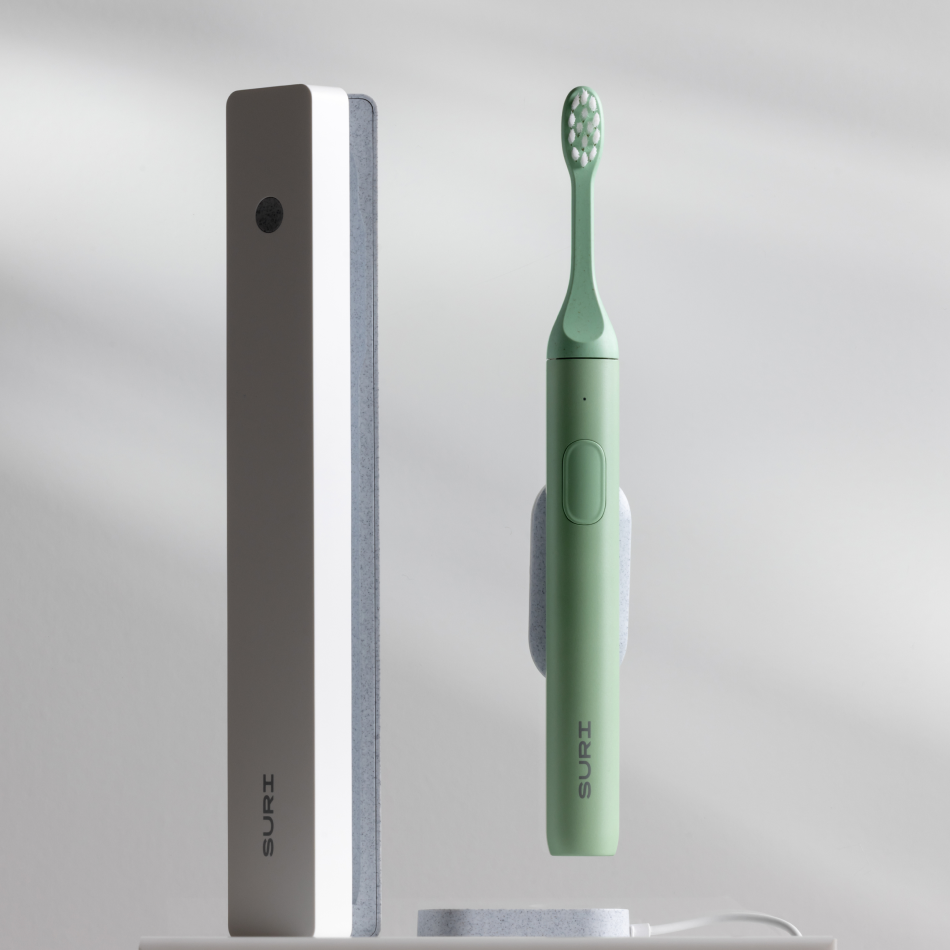
Your Electronics Heroes
Reliable tech that lasts longer and wastes less. These top-rated Electronic Heroes are a solid alternative to short-lived gadgets. They’re built well, easy to use, and designed with sustainability in mind. Fewer replacements. Less e-waste. More time doing what you need to do.
FAQ: Your Questions About Durable, Eco-Friendly Tech
How do I connect an Echo Dot to a Bluetooth speaker?
To connect an Echo Dot to a Bluetooth speaker, say “Alexa, pair” while putting your speaker in pairing mode. Alexa will search and confirm once it’s connected. You can also set it up through the Alexa app, under Settings > Devices > your Echo > Bluetooth Devices. Keep both devices within 1 metre for a reliable link, and make sure your speaker supports A2DP. Once paired, your Echo will remember it and reconnect automatically. Handy if you’d rather not faff with wires every time.
Can I use Alexa as a Bluetooth speaker on its own?
Yes, you can use Alexa as a Bluetooth speaker on its own. Just go to your phone or computer’s Bluetooth settings, find your Echo device, and connect. It works like any regular Bluetooth speaker, streaming whatever audio you like. Keep devices nearby for a strong connection, and double-check Bluetooth is switched on. While it won’t replace your stereo, it’s cracking for podcasts or a quick playlist in the kitchen.
How do you pair a Sonos or Bose speaker via Bluetooth?
To pair a Sonos or Bose speaker via Bluetooth, put your speaker into pairing mode - often done by holding the Bluetooth button until it flashes. On your phone or laptop, head to Bluetooth settings and connect to the speaker when it shows up. Models like the Sonos Roam or Move can switch between Wi-Fi and Bluetooth modes. Bose speakers differ slightly, so it’s wise to check the manual. A quick glance now saves faff later.
What are the longest-lasting Bluetooth speakers available?
The longest-lasting Bluetooth speakers use tough materials, solid waterproofing (IP67 or above), and long-life or replaceable batteries. Look for models offering 12 to 20+ hours of playtime, plus impact resistance and proper guarantees - some cover up to two years. Bonus points if they're repairable or come with spare parts. Explore our most durable models in the portable speakers collection. It’s a better investment in the long run - less landfill, more tunes.
How do I care for my Bluetooth speaker to extend its lifespan?
To keep your Bluetooth speaker going strong, store it indoors and steer clear of damp unless it’s rated IP67 or higher. Clean it with a dry brush and a damp cloth - no dunking, mind. Charge before the battery hits zero, and avoid leaving it plugged in forever. A bit of routine dusting around ports and buttons can go a long way. More care tips? Pop over to our Product Care and Repair blog hub.
Can I use a Bluetooth speaker with a PS5 or Xbox console?
You can’t directly use a Bluetooth speaker with a PS5 or Xbox console - they don’t support Bluetooth audio out. That said, you can connect through your TV or use an external Bluetooth adapter. Some setups also work via a headphone jack on the controller or TV, using an aux cable or dongle. A bit of trial and error may be needed here. Always check what’s compatible before splashing out on extras.
What’s the best way to connect Bluetooth speakers to a TV?
The best way to connect Bluetooth speakers to a TV is through your TV’s Bluetooth settings - if it supports them. Put your speaker in pairing mode, then go to Settings > Sound > Bluetooth Output. If your telly doesn’t play ball, a Bluetooth transmitter plugged into its headphone or optical port often works well. For older sets, a wired connection may offer better sync. It’s not glamorous, but it works a treat.
How do you choose durable tech?
We choose durable tech based on independent testing, repairability, spare parts availability, and solid warranties. If it’s not built to last, it doesn’t make the cut. Some brands even throw in lifetime support - Sonos, for example, offers long-term repair options to keep your kit going. Learn more in our Buy Me Once Research Process.
